01
IMAGES TRIGGER
CONTENT
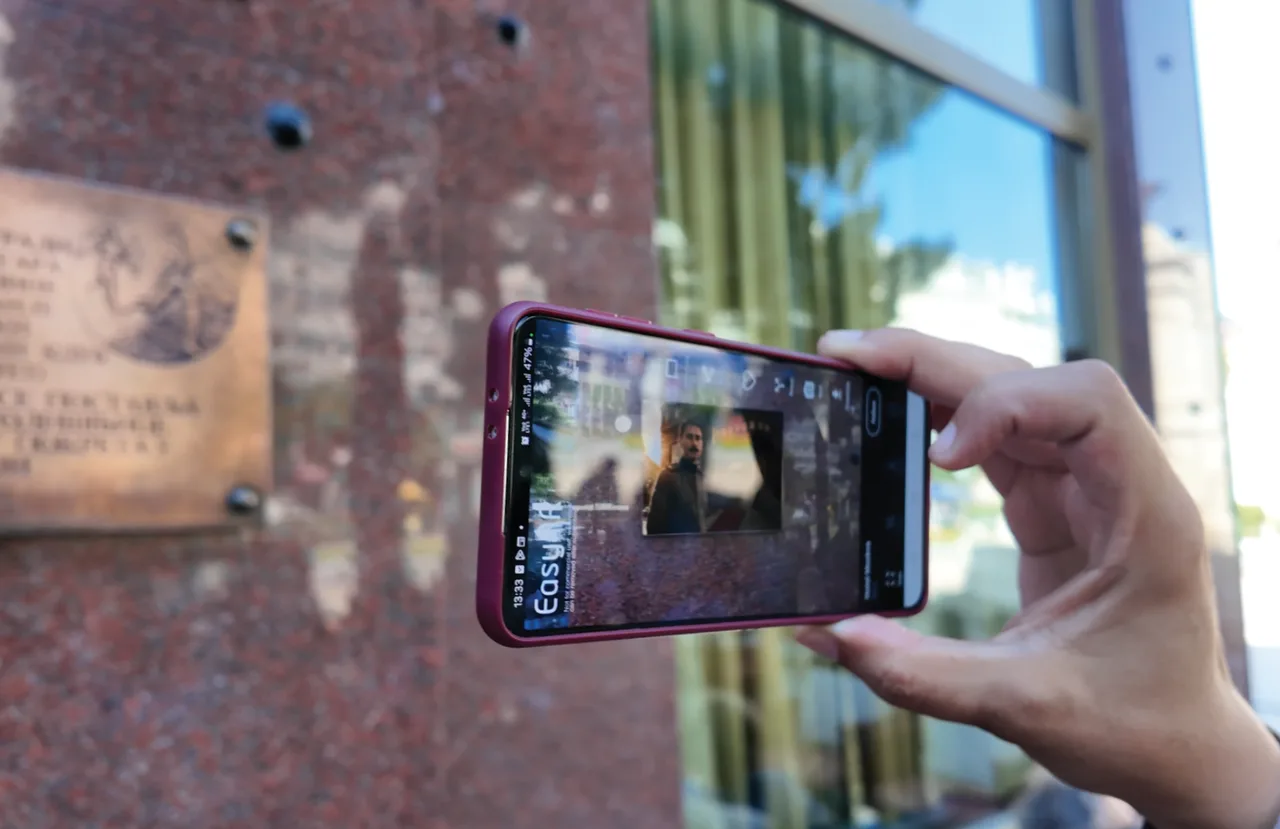
Any image can become a digital doorway. A poster, photograph or artwork can open a video, story or experience.

Places. Images. Stories.
Images trigger hidden content.
No QR code needed.
DIVI connects places, objects and images with an additional layer of digital content. Follow a route through the city, where each location opens another part of the story.
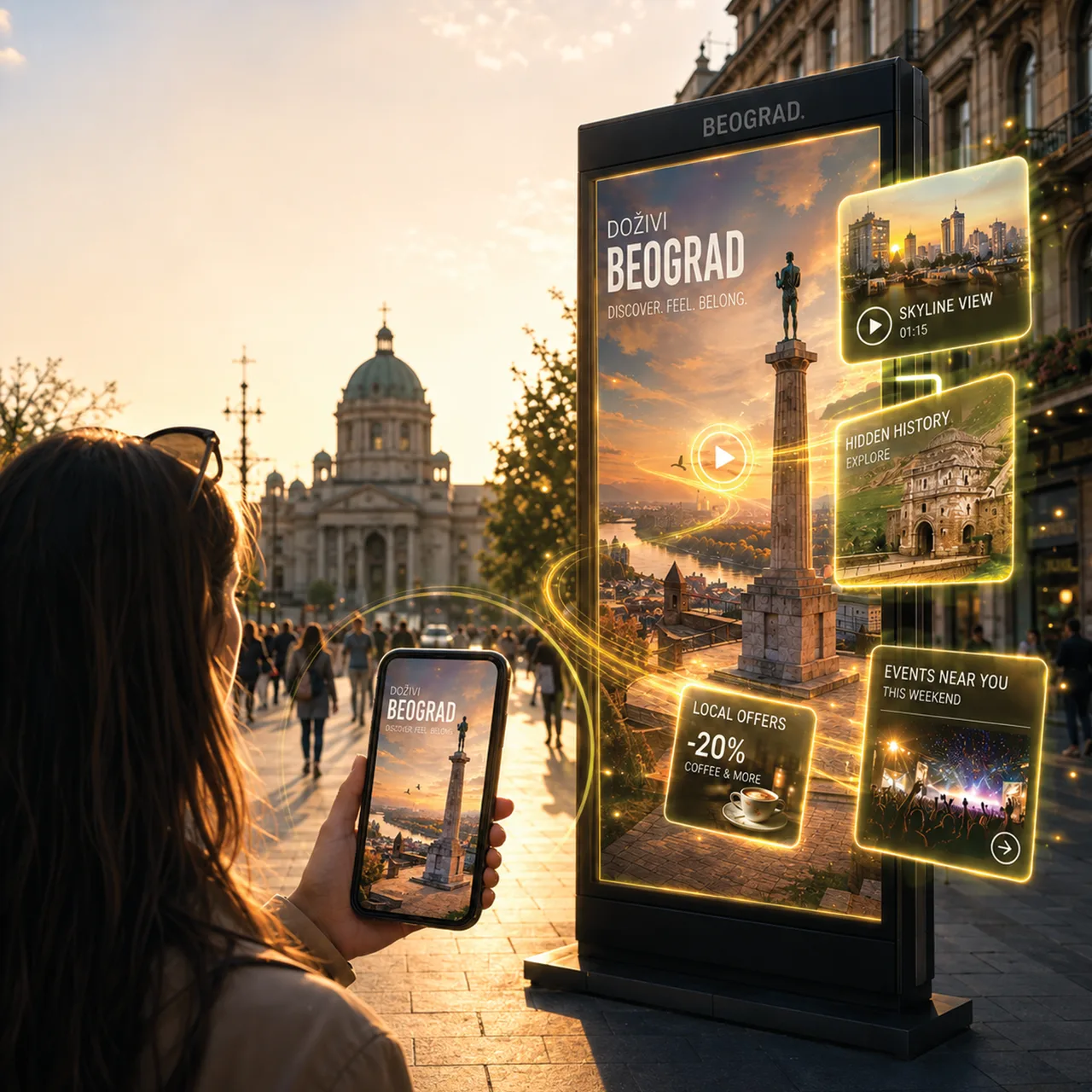
Physical world. Digital content.
01
Any image can become a digital doorway. A poster, photograph or artwork can open a video, story or experience.
02
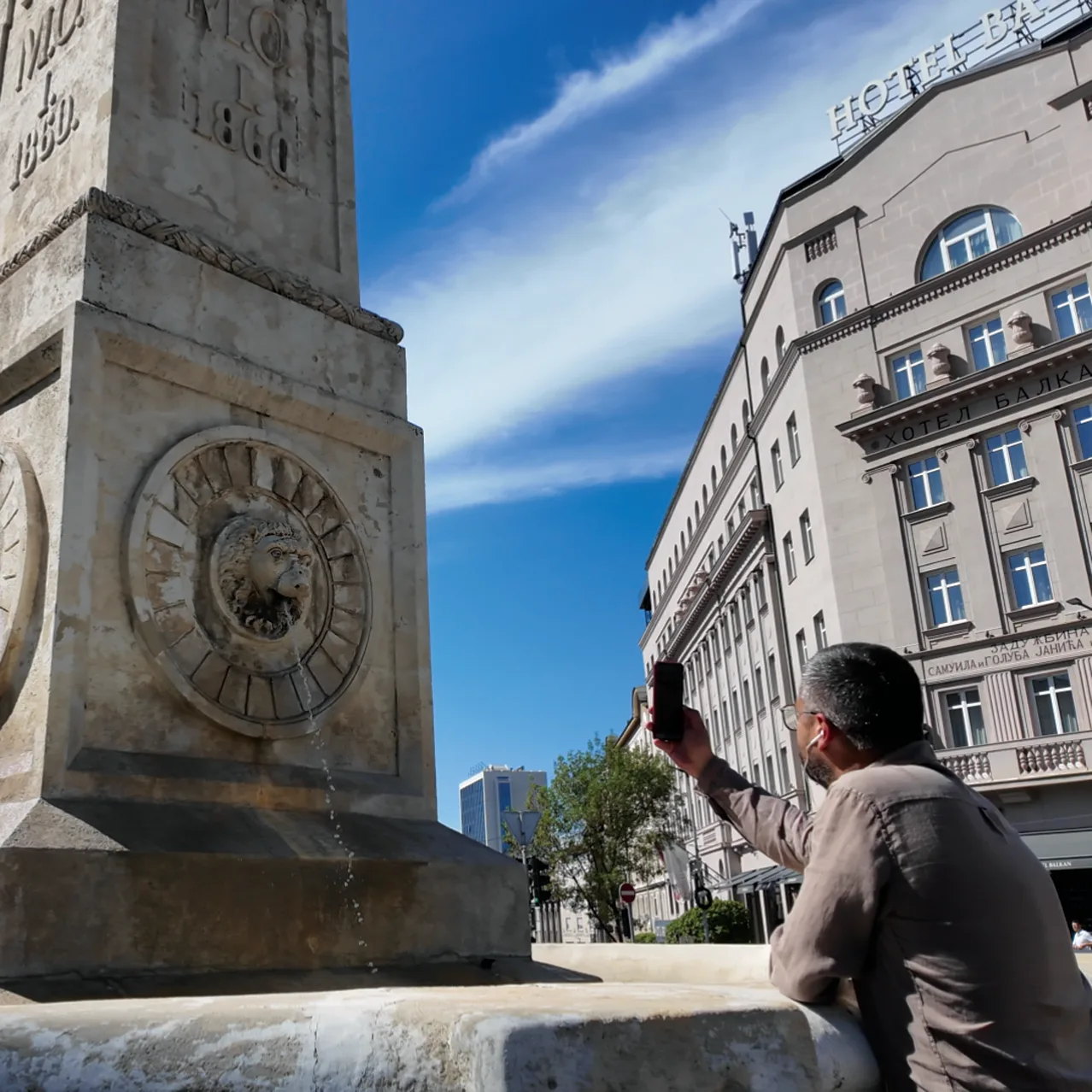
Stories appear where they belong: connected to a place, an object or a moment in the city around you.

03
Partners can become part of a route and its story, connecting an experience with a real place to visit.
Look closer
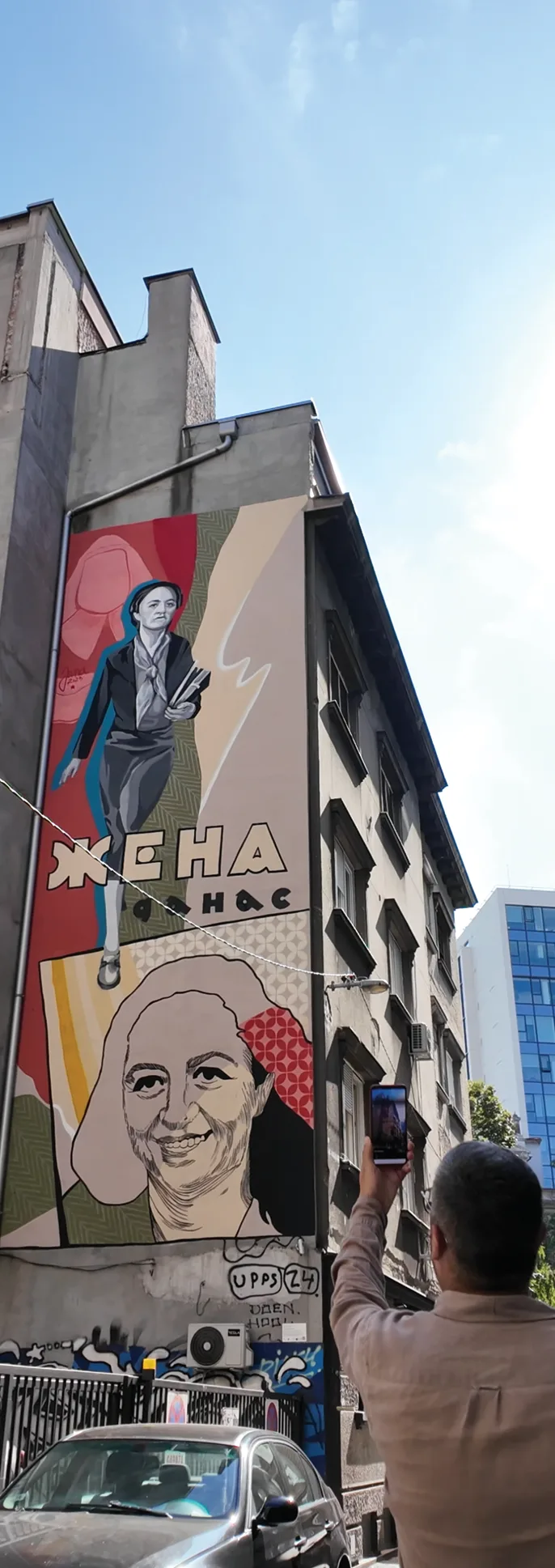
Bring images to life.

Look closer.
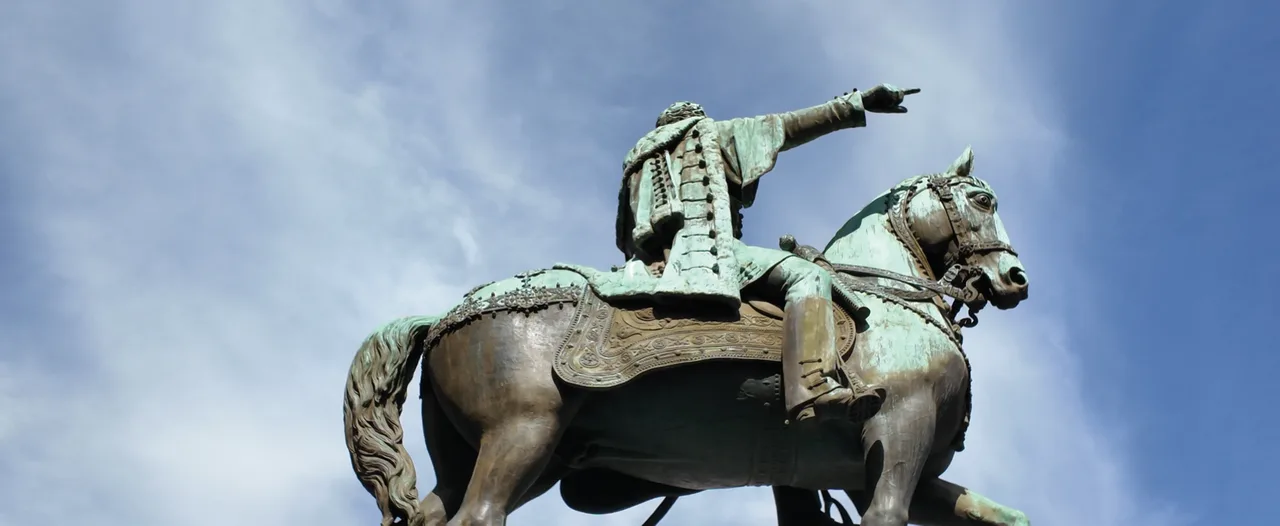
Stories can have depth.
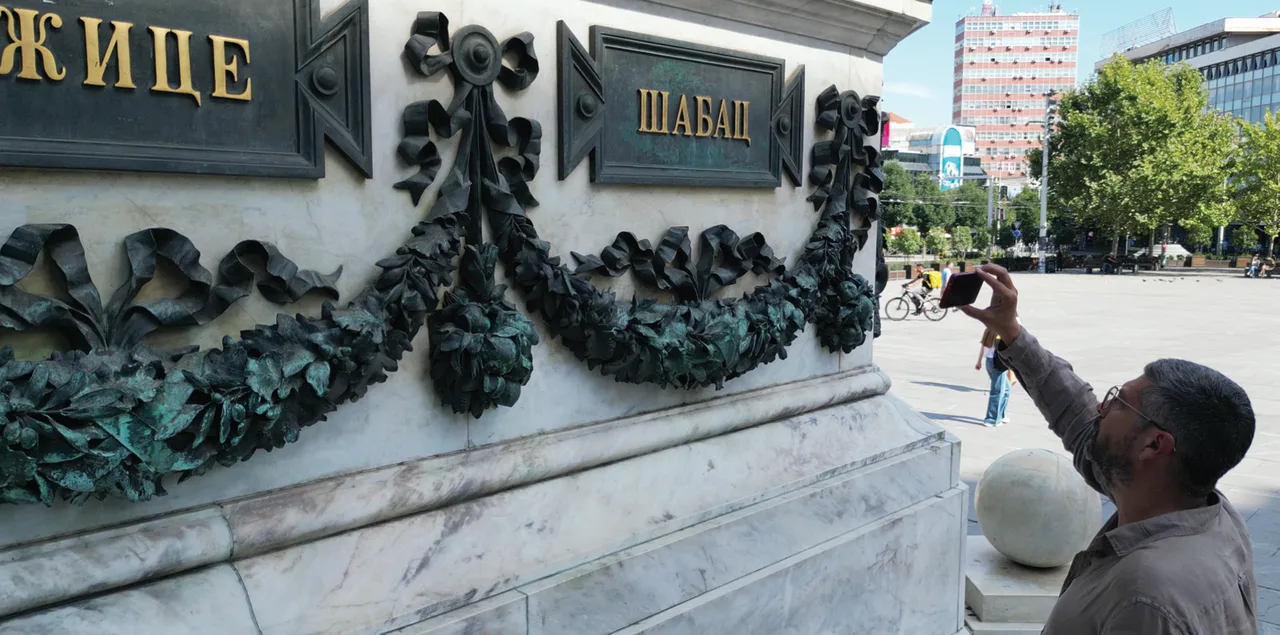
Past and present can share the same place.
DIVI Tour
Connect individual places into a tour. Each location reveals another part of the story, directly in the place where it belongs.
Explore tours →DIVI on your phone
Store links will be added here when available.
App support ↗DIVI Tour
A route through the city. Each stop opens another part of the story.
Discover places through the stories connected to them.
About DIVI
DIVI connects physical places, objects and images with digital content. An image becomes a doorway to a video, a story or an experience connected to the place you are in.
A mural can tell a story. A monument can reveal another time. The same place can hold different histories, with the physical world and digital content sharing the same space.
Connecting these places creates a DIVI Tour: a route through the city where each location opens a new part of the story.
Explore tours →DIVI Support
Help with your account, scanning and tours.
A support email address has not yet been published. Direct contact is not available from this page yet.
Sign in using the same method you used to create your account. For email accounts, complete email verification when prompted. If you cannot access your account, use the support contact above when available.
Allow camera access in your device settings. Point the camera at the whole image with enough light and keep the phone steady. Make sure the content you want to scan is available in the app.
If the app requests your location, check the permission in device settings. Check your internet connection if a tour or its content does not load.
Check your device volume, audio output and internet connection. Reopen the content if playback stops.
DIVI / Legal
Draft — not a finalized privacy policy. This structure is awaiting reviewed legal content. It does not state DIVI’s current data practices.
The final policy must identify the information processed by the app and its services, including account, content and usage information where applicable.
The final policy must explain the purposes and applicable basis for processing each category of information.
The final policy must explain camera, location and media permissions for each supported platform, including when access is requested and how users can control it.
The final policy must identify relevant service providers and other recipients, including any international transfers.
Retention periods and deletion practices still need to be documented and approved.
The final policy must describe the rights available to users and the supported way to exercise them.
A support email address has not yet been published. Direct contact is not available from this page yet.
DIVI / Legal
Draft — terms have not yet been published. The following sections are placeholders for reviewed terms, not legal commitments.
Eligibility, permitted use and conditions of access need to be finalized.
Account responsibilities and terms for content creation, ownership and moderation need to be finalized.
The terms applicable to tours, partners and third-party content need to be finalized.
Service availability, limitations and applicable legal provisions need to be finalized.
The effective date, process for changes and responsible legal entity need to be supplied before publication.
A support email address has not yet been published. Direct contact is not available from this page yet.
DIVI / Account help
Account deletion is not available yet. A supported deletion workflow has not been implemented. This page cannot submit or process a deletion request.
This page will provide the deletion steps once the workflow is available. The data covered by deletion and any applicable retention periods have not yet been published.
A support email address has not yet been published. Direct contact is not available from this page yet.
Images. Places. Stories.
Explore what people are sharing on DIVI.
Please sign in to continue.
Collection is app-wide and controlled by the Worker environment. These settings only shape this event's report and links.
Drag inside rectangle to move. Drag corners to resize. Save applies immediately.